
Deep links. Full control after the click
From SMS to email and push notifications, route users to a specific screen within your mobile app.


Overview
From message
to in‑app action
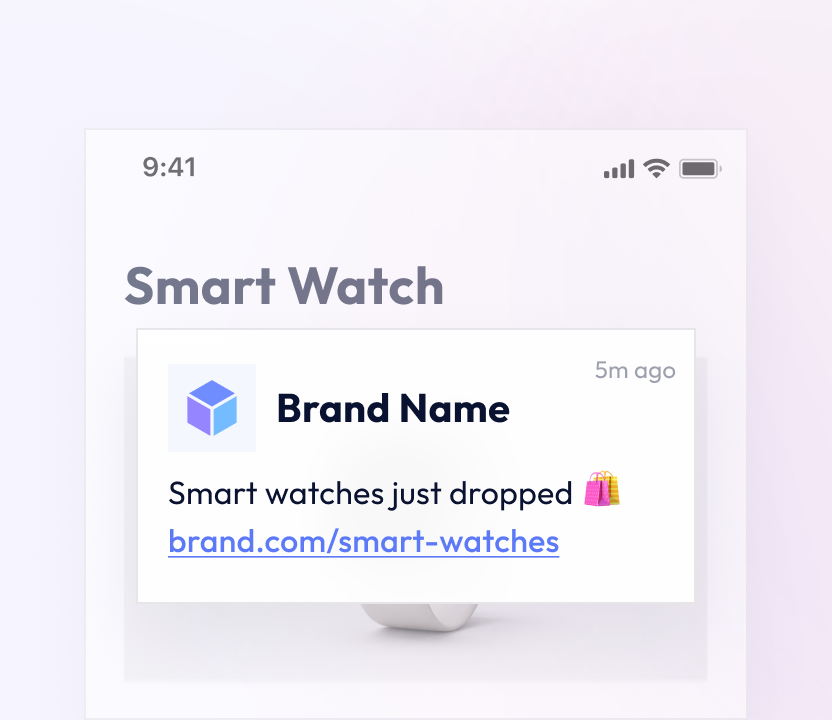
When users tap a link from an SMS, email, app push notification, or campaign message, the destination should match the promise. This setup works smoothly for installed apps and high-volume messaging.

Key features
Personalized user experiences

How it works
The Deep link flow
in 3 steps
-
01
Create the link
Create a Deep link in Cut0 and define the exact in-app screen users will open.
-
02
Add it to your campaign
Add the link to your SMS, email, or campaign message to guide users directly.
-
03
Meet users in your app
When a user clicks the link, Cut0 opens the specified screen inside your app.
Why it matters
The impact of Deep links
Users skip unnecessary navigation and reach the intended screen immediately, without extra steps.
Campaign content aligns with the destination users see, creating a clearer path from message to action.
The same link behavior works across SMS, email, and messaging platforms, ensuring a consistent experience.
Use your own domain to brand every link, increase credibility, and boost conversions.

Use cases
Where Deep links fit best
Mobile apps using SMS or messaging as a growth channel.

Product teams improving activation and in-app flows.

B2B products that require predictable user routing.
Performance tracking
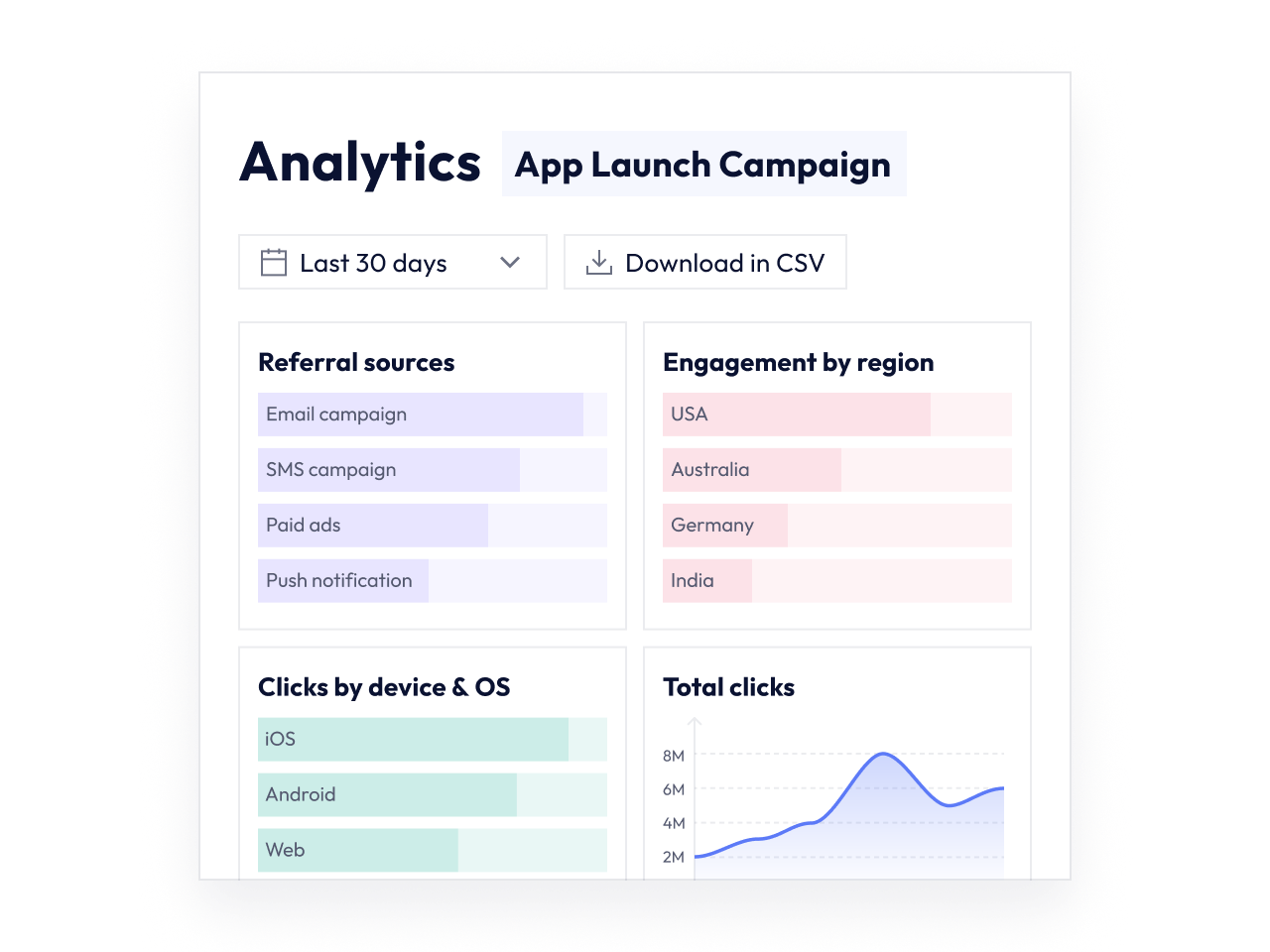
Post-click insights & analytics
Deep links work like Cut0 short links, giving you control over destinations, engagement, and campaign performance from click to action.

Create short links and QRs, track performance, and
grow your revenue across every channel.